

How to Recover a Hacked Roblox Account


TL;DR
Reset your password with Forgot Password or Username? if you still control the email. If the hacker changed it, submit one ticket at roblox.com/support under Account Hacked or Can't Log In.
Getting hacked on Roblox usually means someone got your password through a fake free Robux site, a survey, or a reused password from another site. The good news is that most accounts come back if you act fast and use the official route only. In this article, we'll explore how to reset your password, how to contact support, and how to secure the account afterward.
How to Reset Your Password
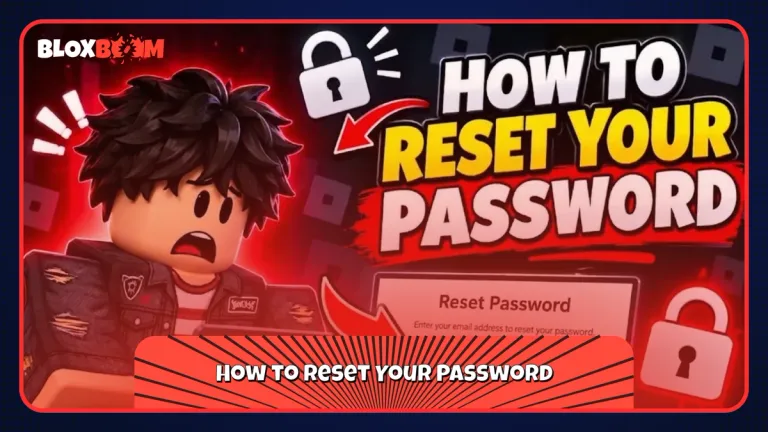
Start on the Roblox login page and click Forgot Password or Username? Roblox sends a reset link to the email or phone number linked to the account. If that email still belongs to you, this takes a few minutes.
Check Your Email First
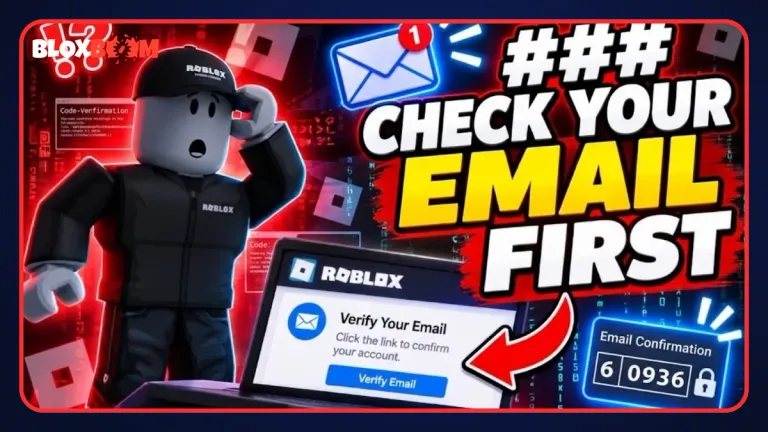
The reset link is only as safe as your inbox. If the hacker also got into your email, they can reset the password again. Change your email password before anything else, and look for emails from Roblox about changed passwords or new logins, since those can help when you talk to support.
How to Contact Roblox Support
If the hacker changed your email or password and the reset does not work, go to roblox.com/support and choose Account Hacked or Can't Log In as the help category. Pick Account Hacked in the second menu, then describe what happened.
What to Include in the Ticket
Give your exact username, the old email, and when you last logged in. Purchase receipts or Robux transaction emails help prove the account is yours. Reply fast if support asks for more information. A slow reply is one of the most common reasons recovery drags on.
How to Secure the Account After Recovery
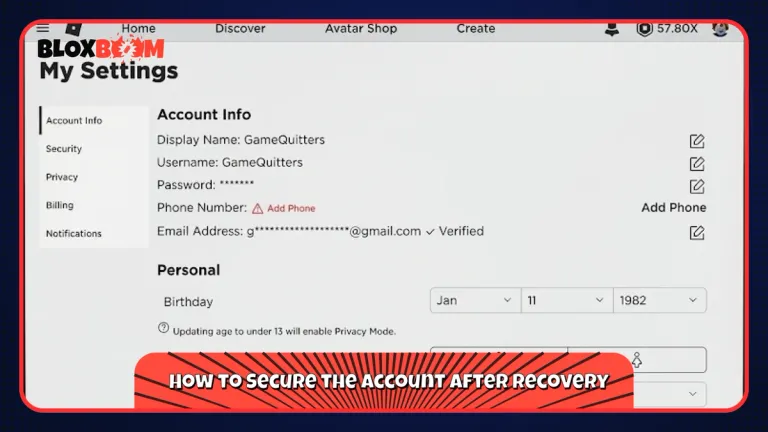
Once you are back in, open Settings, then Security, scroll to Where you're logged in, and click Log Out of All Other Sessions. This kicks out anyone still using a stolen session. Then do these things in order:
Lock It Down
Set a password you have never used anywhere else. Turn on 2-Step Verification, and use an authenticator app if you can, since it needs a verified email on the account. Run a malware scan on your computer, because some hacks start with a malicious file rather than a bad site.
Remember that Roblox staff will never ask for your password. Only log in on the official roblox.com site or the official Roblox app.
Conclusion
Reset the password if you can, contact support if you cannot, and always log out of all other sessions once you are back in. Turn on 2-Step Verification right away, because it blocks most repeat hacks.