

How to Trade in Grow a Garden (2026)


TL;DR
To start a grow a garden trade, buy a Trading Ticket from the Gear Shop for 100,000 Sheckles or 19 Robux, equip it, walk up to another player, and hold E to send a request. Once they accept, add pets, harvested crops, or Sheckles, wait out the 5-second countdown, then both players press Accept and Confirm. Seeds, eggs, gear, and cosmetics cannot be traded. Check values with a trusted value list before confirming, because the in-game total is only an estimate.
How Grow a Garden Trading Works
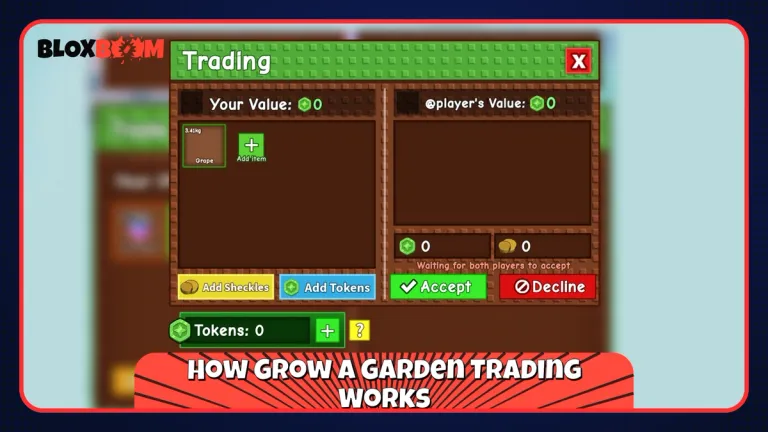
Every trade in Grow a Garden starts with a Trading Ticket. It has limited stock and is not in every Gear Shop restock, so buy one whenever you see it. A ticket is used up when a trade completes. Guides disagree on whether a declined request also costs you the ticket, so only send requests to players who are ready to trade.
How to Send a Trade Request
Equip the ticket from your Gear tab and stand close to the other player. Both of you must be in the same server. Hold E to send the request. The other player has to accept before the trade window opens, and players can turn off requests in their settings.
How to Complete the Trade
Click the green plus button to add pets or crops, and use the Sheckles box to add currency. You can type Sheckles in short form, such as 5T or 3B.
Each time an item is added, a 5-second countdown starts, and removing an item resets it. After the countdown, both players press Accept and then Confirm. The trade cannot be reversed once it goes through. A trade holds around a dozen items, and both inventories need free space. Trading works on PC, mobile, and console.
What You Can and Cannot Trade
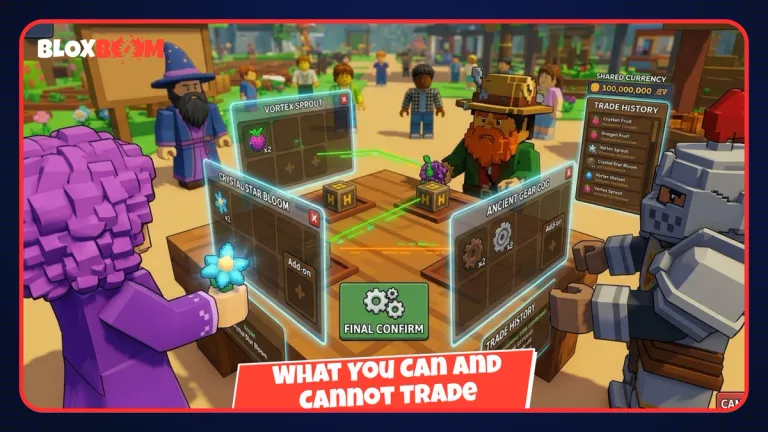
Crops keep their mutations and weight, and pets keep their age, so hover over an item to check its details first. The Grow a Garden Wiki confirms that only pets and harvested crops move through the trade system, with Sheckles added on top.
| Tradeable | Not tradeable |
| Pets | Seeds |
| Harvested crops | Eggs |
| Sheckles | Gear and cosmetics |
To work around this, grow the seed and trade the crop, or hatch the egg and trade the pet. Our guide on how to use the Pet Incubator in Grow a Garden covers the hatching side.
Also Read: How to Make Cake in Grow a Garden
How to Check Item Values Before You Trade
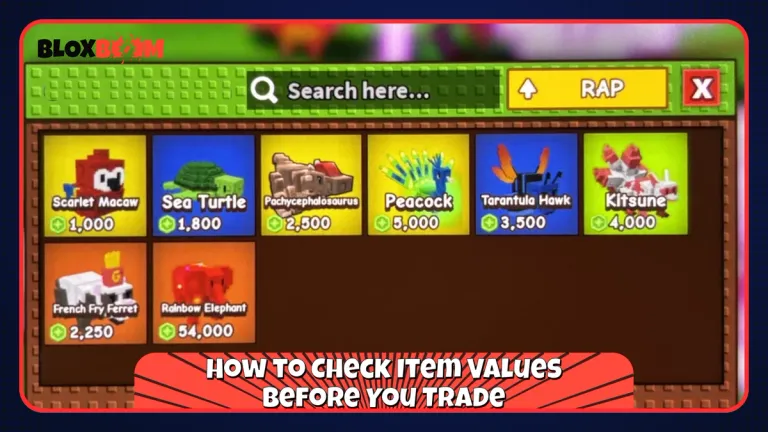
The trade window shows an estimated total, but it does not reflect what players actually pay. Three things drive value the most:
Mutations make crops worth many times a plain one, and stacked mutations climb even faster. A premium crop like Candy Blossom is a good example. Pet age matters because older pets have better abilities and trade for more than fresh hatches. Demand keeps rare pets like the Raccoon, Kitsune, and Disco Bee expensive.
Value lists and calculators from sites like Driffle, AverGames, and GrowAGarden.GG show the going rate and rate a trade as a win, fair, or loss. Values shift after updates, so pick a list with a recent update date and check at least two sources.
How to Trade Safely and Avoid Scams
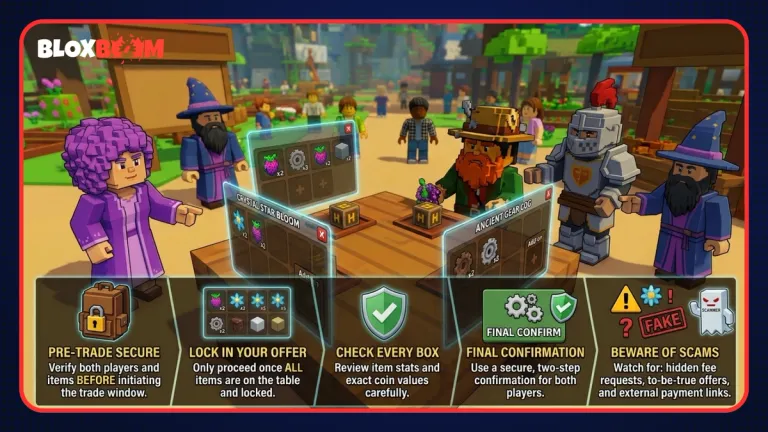
The countdown and two-step confirmation remove most old gifting scams. Today, scams mostly rely on pressure.
Never rush. If someone tells you to hurry or says the offer will disappear, walk away. Use the countdown to read both sides again after every change.
Stay inside the official system. Do not trade outside the trade window or click links from strangers, and make sure the Discord user you talked to is the same player standing in front of you.
Find trades through the official Grow a Garden Discord, look for players with vouches or a trade history, and start with small trades.
Also Read: How to Get Trade Tokens in Grow a Garden
Conclusion
Grow a Garden trading is simple: get a ticket, send the request, build the offer, and confirm. What decides whether you come out ahead is value knowledge, so check mutations, pet age, and demand before every trade. Start with small trades, then work up to rare pets and mutated crops. The game updates often, so check the patch notes for changes to ticket costs, item limits, or tradeable items.