


How to Throw a Knife in Murder Mystery 2
Learn how to throw a knife in Murder Mystery 2 on PC, mobile, and console. Master the controls and improve your gameplay as the Murderer.


Murder Mystery 2 is a popular Roblox game where players are randomly assigned one of three roles each round. One player becomes the Murderer, whose goal is to eliminate everyone using a knife. Another player is the Sheriff, armed with a gun to stop the murderer. Everyone else plays as an Innocent, trying to survive, hide, and help identify the killer.
As the Murderer, knowing how to throw your knife effectively can make the difference between winning a round and getting caught. The throwing mechanic lets you take down targets from a distance, which is especially useful when chasing fleeing players or when the Sheriff is keeping their distance.
Also Read: Best Ways to Level Up Fast in Murder Mystery 2
How to Throw a Knife in MM2 on PC
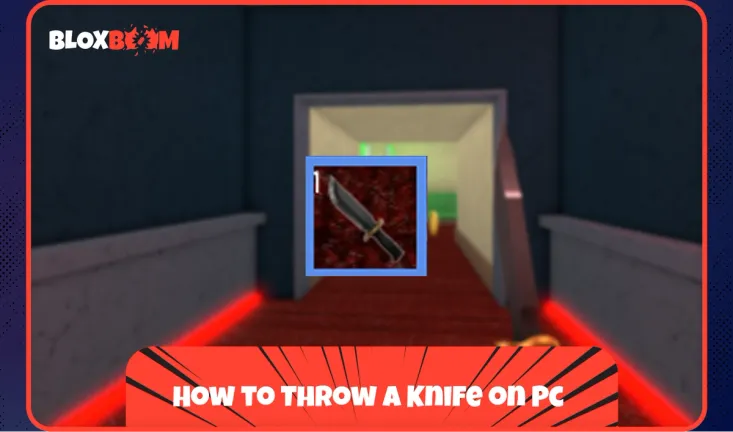
Throwing your knife on the desktop requires equipping it first. Press 1 on your keyboard or click the knife icon at the bottom of your screen to pull out your weapon.
Once the knife is equipped, aim your cursor at where you want the knife to land. Press E or right-click to throw it. The knife will travel in a straight line toward your cursor position, so make sure your target is clearly in your sights before releasing.
Also Read: How to Get Godly Weapons Fast in MM2
How to Throw a Knife in MM2 on Mobile
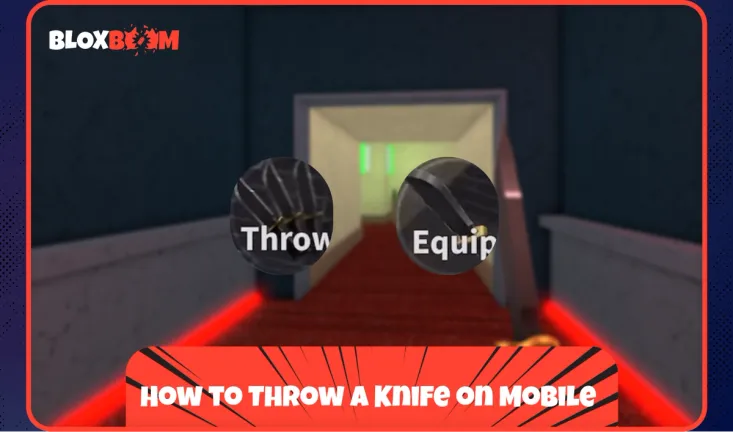
Start by tapping the knife icon on the right side of your screen to equip your weapon. Once equipped, locate the player you want to eliminate and tap the Throw button. After pressing Throw, green target icons will appear on nearby players. Tap the icon on your intended target, and the knife will be thrown automatically. This targeting system makes mobile throws more forgiving since you don't need to aim manually like on PC.
Just like on desktop, missing your throw means waiting for it to return before you can attack again.
How to Throw a Knife in MM2 on Console
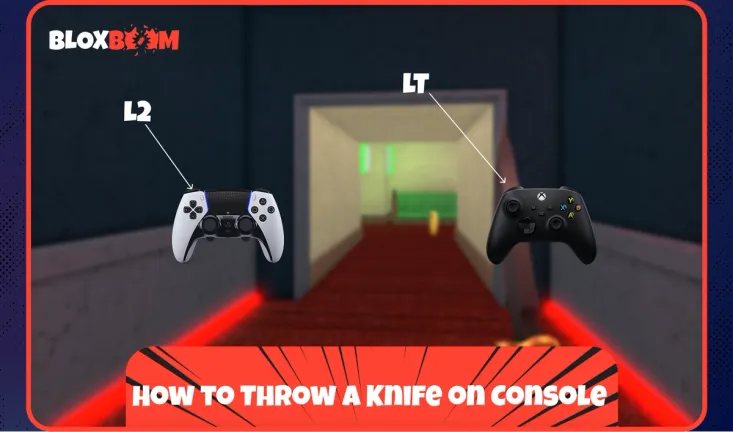
Equip your knife first, then press the Left Trigger to throw it. On Xbox, this is LT, while on PlayStation it's L2. Aim at your target using the right stick before pressing the trigger. The knife will fly toward wherever your crosshair is pointing, so line up your shot carefully before committing to the throw.
Also Read: Best Places to Buy MM2 Items
Conclusion
Throwing knives in Murder Mystery 2 is simple once you know the controls for your platform. PC players use E or right-click, mobile players tap the Throw button and select a target, and console players press LT or L2. Practice your aim and timing to catch players off guard, but remember that a missed throw leaves you defenseless until the knife returns.