

How to Delete a Roblox Account (2026)


TL;DR
To delete a Roblox account, log in on a browser, open Settings, go to the privacy section, and select Delete under Account data, deactivation & deletion. The account needs a verified email, and Roblox checks your identity before it goes through. If you can't log in, send the request through the Roblox support form under Data Privacy Requests. Deletion is permanent, so your Robux, items, and friends list are gone for good. If you only want a break, deactivate the account instead.
How to Delete a Roblox Account
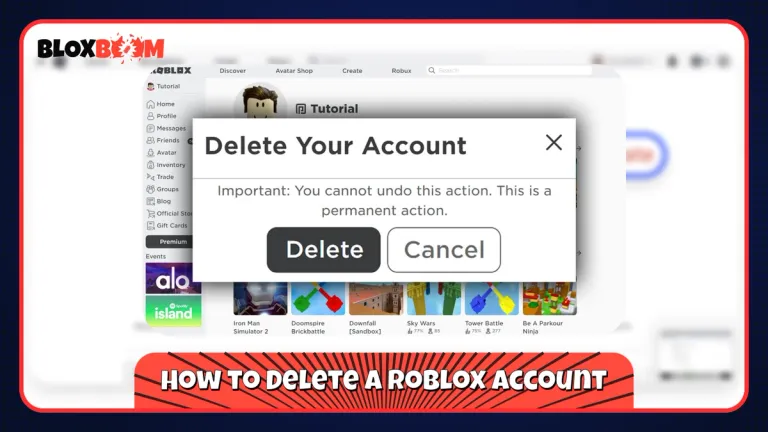
There are two ways to do it, and which one you use depends on whether you can still log in. Roblox has no delete button inside the mobile app, so both methods run in a web browser, on a phone or a computer.
Delete From Your Privacy Settings
Log in at roblox.com, open Settings, and go to the privacy section. Under Account data, deactivation & deletion, select Delete. Roblox requires a verified email on the account and will verify your identity before it fulfills the request. This is the route described in the official Roblox Help Center article.
Delete Through the Support Form
Use this method if you can't log in or the Delete option doesn't work for you. Go to roblox.com/support, enter your username and the email linked to the account, and pick your device. Under Type of help category, choose Data Privacy Requests, then Right to be Forgotten. In the description, say you want the account permanently deleted, then submit the form.
Roblox sends an automated email after that. Reply to it and confirm you understand the deletion is permanent, because the request does not move forward until you do. You don't need your password for this, but you do need access to the email on the account. Roblox doesn't publish a fixed processing time.
Delete a Child's Account
If the account belongs to a child under 13, a parent or guardian has to send the request through the same support form. Use the email linked to the child's account and state that you are the parent. Roblox verifies this before it deletes anything.
Also Read: Parent's Guide: Learn How to Safely Buy Roblox Items for Your Kids
What to Do Before You Delete Your Account
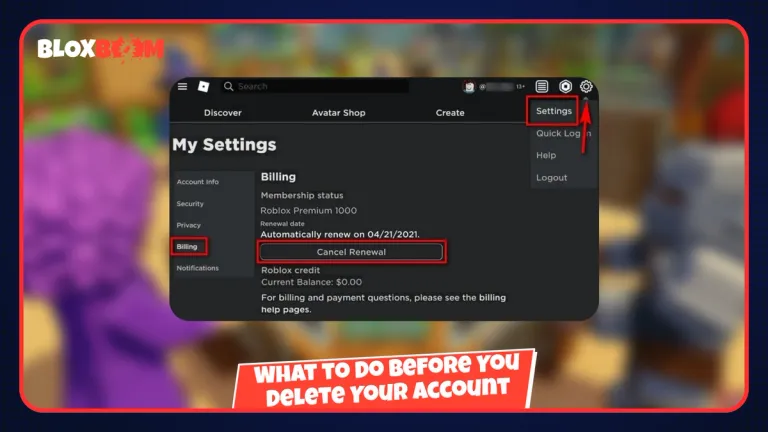
Cancel Roblox Premium first if you have it. If you subscribed through Apple or Google Play, cancel it in your device's subscription settings, since Roblox can't do it for you. If the account is linked to Xbox or PlayStation, unlink it before you submit the request, because a linked console account can delay the deletion.
Roblox doesn't refund Robux or past purchases when an account is deleted, so spend whatever balance you want to use before you go. If you want a copy of your data, request it first through the same support form by choosing Data Privacy Requests and then Right of Access. Once the account is deleted, that option is gone too.
If you bought items for the account from a third-party store like BloxBoom, sort that out first, because deleting the account removes the items with it. BloxBoom only refunds orders that haven't been claimed yet, and only within 24 hours of purchase, so check the Refund Policy and the FAQ before you submit the request.
Also Read: Is BloxBoom Legit? Complete Review and Safety Guide
Deactivate vs Delete
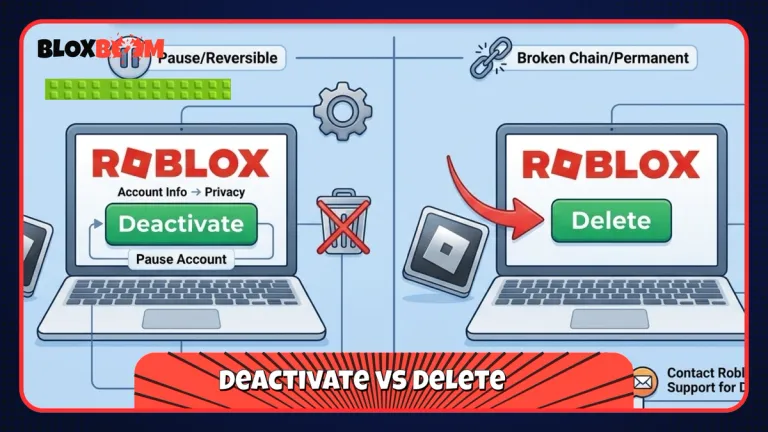
Deactivation disables the account and hides your profile, but everything stays saved. Log back in at roblox.com and it comes back, with your Robux, inventory, and friends intact. Some information, like items you listed on the Marketplace, can still be visible to others while the account is deactivated. You can deactivate from the same privacy settings page by selecting Deactivate.
Deletion is the opposite. It removes your username, Robux, inventory, friends list, and any experiences you created, and Roblox offers no way to recover them. Roblox may still keep some records where the law or fraud prevention requires it. If you're unsure, deactivate first, since you can always delete later.
Conclusion
Deleting a Roblox account takes a few minutes to request, but it can't be undone, so sort out your subscriptions, Robux, and linked consoles first. If you just need a break, deactivating costs you nothing and keeps everything safe until you decide.